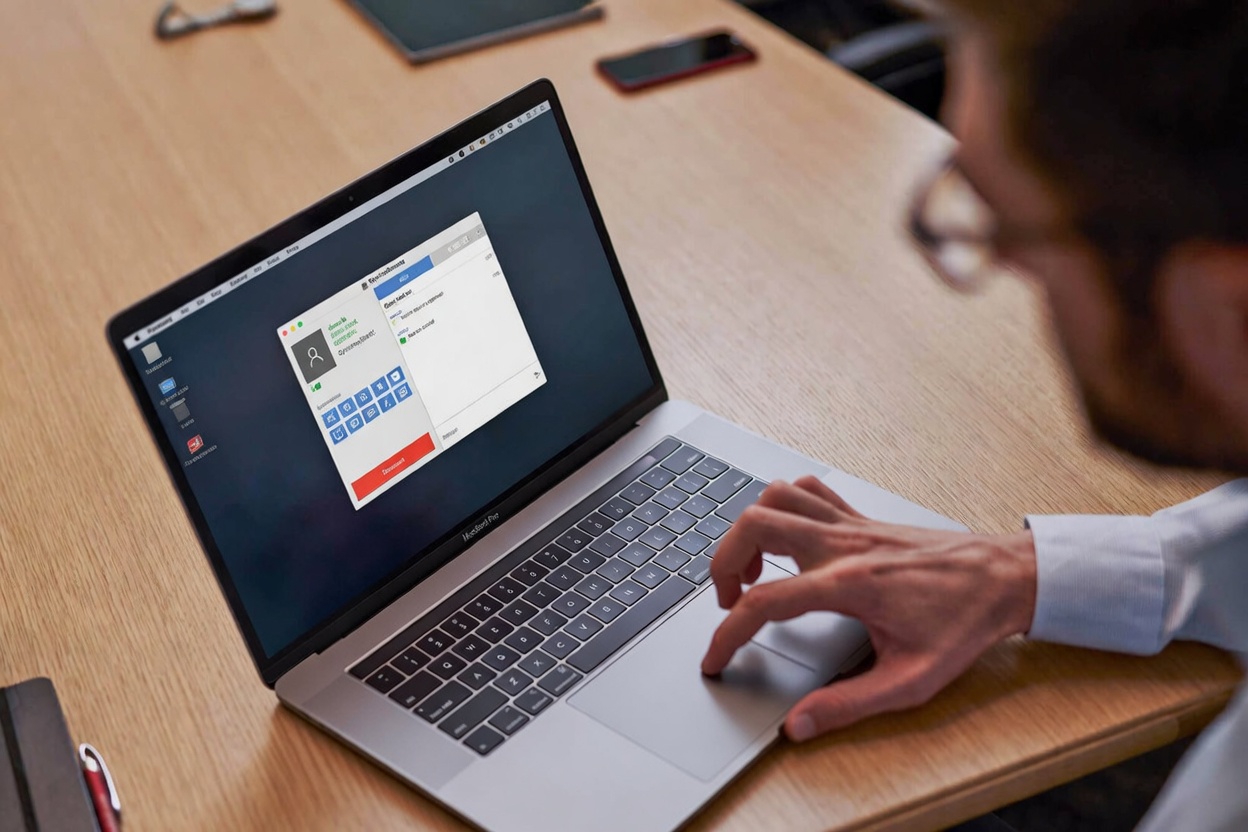
Customizable Remote Desktop Software
Customizable Remote Access
Solution to Fit Your Needs
How Synchro Remote adapts to your needs
Generate your own Synchro Remote client
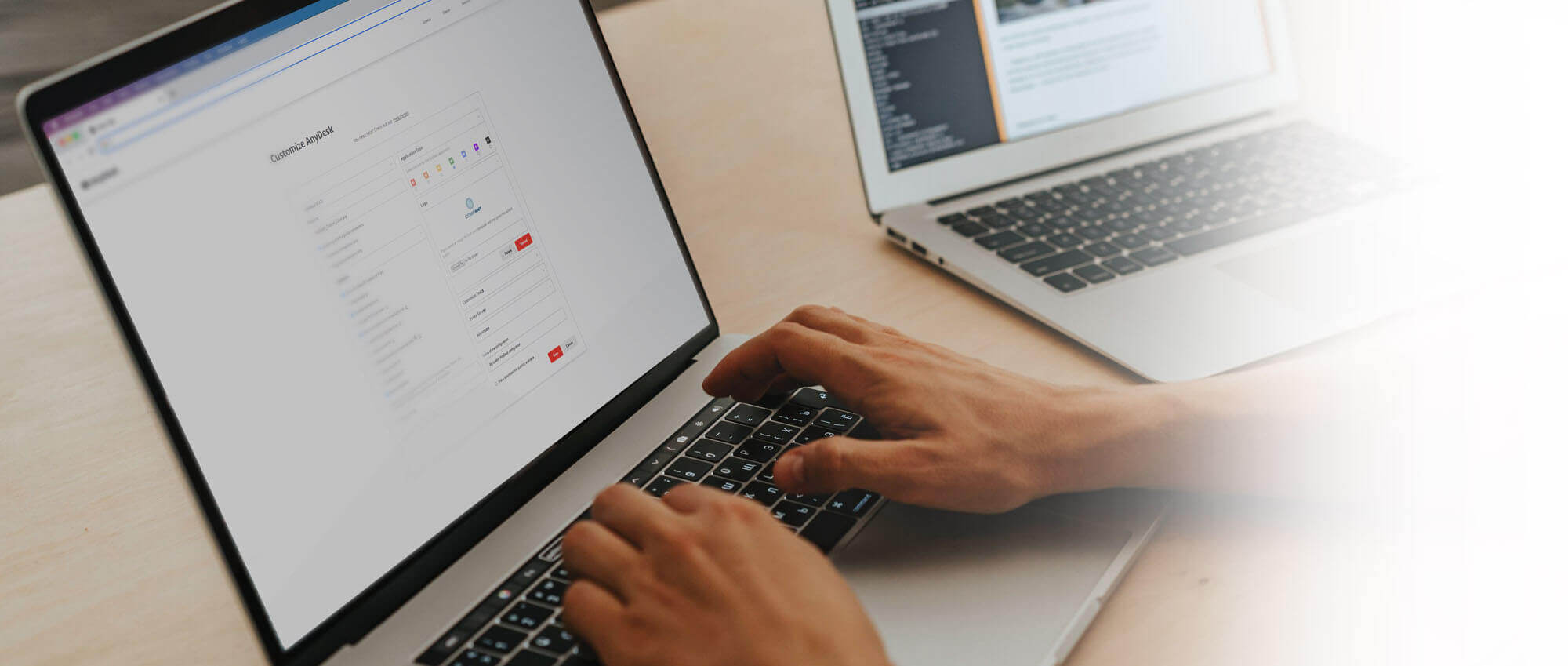
On the my.synchroremote portal you can find the Custom Client generator. There you can create your own version of Synchro Remote with the features, settings and look you want for your personalized client.
Adapt the look of Synchro Remote to your brand
As a company, you may want to adapt the tools you work with to your corporate design. By using your own logo, namespace, and even program name, you can ensure a consistent brand experience.
Work on and connect to the platform of your choice
Create a custom client for any platform, be it Windows, macOS, Linux, Android, with an MSI installation option for Windows. Synchro Remote's cross-platform compatibility ensures your tool adapts to you – not the other way around.
The Synchro Remote feature set, perfectly fitting your needs
Not only does our Custom Client generator allow you to enable and disable many features, but it also ensures that you are in control of who can access your device and how they are allowed to control your device.
Endless customization options for administration
Simple Custom Client settings are not the only way to customize Synchro Remote. There are many more configuration options available, allowing you to override and change default settings, depending on your personal needs.
Synchro Remote fits your security requirements
Synchro Remote offers top-tier security and countless options for individual security settings. On top of that, we offer an On-Premises solution, allowing you to work completely independent from our servers.
Make Synchro Remote your own
Enjoy full customization adapted to your needs
- •Add your logo, and personalize settings and features
- •Create your own namespace and alias (yourname@yourcompany)
- •Choose between a Cloud or On-Premise solution
Trusted by over 200,000 customers







Further customization options
my.synchroremote
Our Custom Client generator – and so much more: Manage your license, keep an overview of your clients and active sessions, look up the length of sessions, and much more.
Learn MoreGroup Policies
By using Group Policies, you can manage settings for all Synchro Remote clients from a central location and change the user interface for multiple devices simultaneously.
Learn MoreYour own Namespace
Choose your own Namespace. Instead of the regular @sr Namespace, you can use your own company name (for example you@yourcompany) and perfectly integrate Synchro Remote into your brand.
Learn MorePermission Management
You decide about the level of Remote Access during a session. Do you want to share your screen only? Disallow interaction by simply disabling mouse and keyboard.
Learn MoreWhitelist
You decide who can contact you thanks to the Whitelisting option: Restrict access to a selected amount of devices or one particular Namespace so you cannot be found by everyone.
Learn MoreREST-API
Make Synchro Remote fit your needs. Seamlessly integrate Synchro Remote into your existing enterprise software thanks to the REST-API. Automate billing processes or collect session data.
Learn MoreTutorial: Customize your own version of Synchro Remote
Discover Synchro Remote's customization options
Discover more
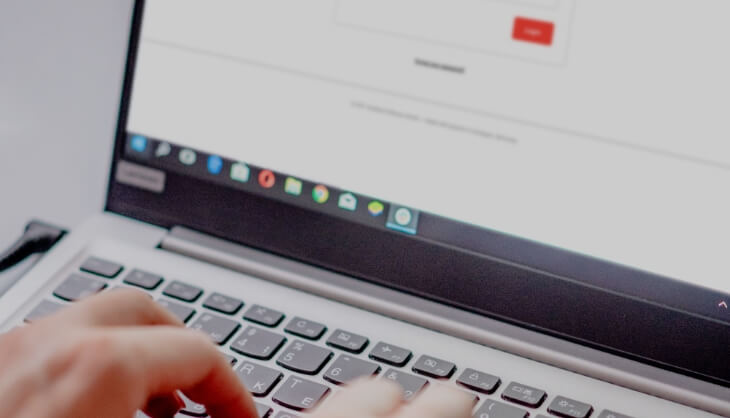
my.synchroremote
Our management console allows you to manage clients, and to create your own Custom Client.

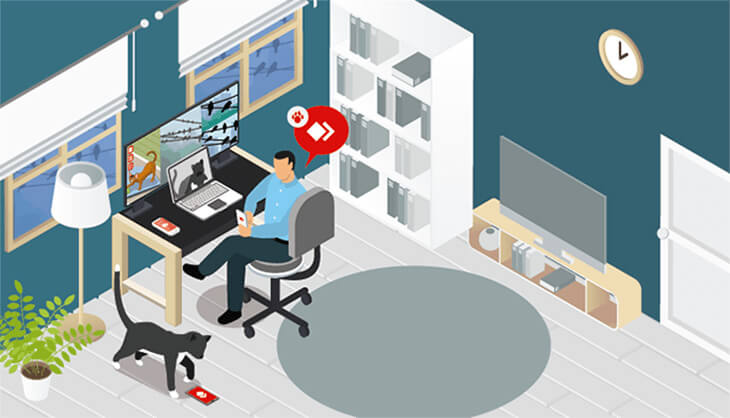
Discover 3 unlikely Use Cases
Learn about interesting and unlikely Synchro Remote use cases on our blog.
Efficient IT Management
Synchro Remote has much more in store! Discover what else it has to offer to IT administrators.
Let's talk
Would you like to learn more about our Remote Desktop Solution? Our sales team can help
you to ensure our solution meets your requirements.
